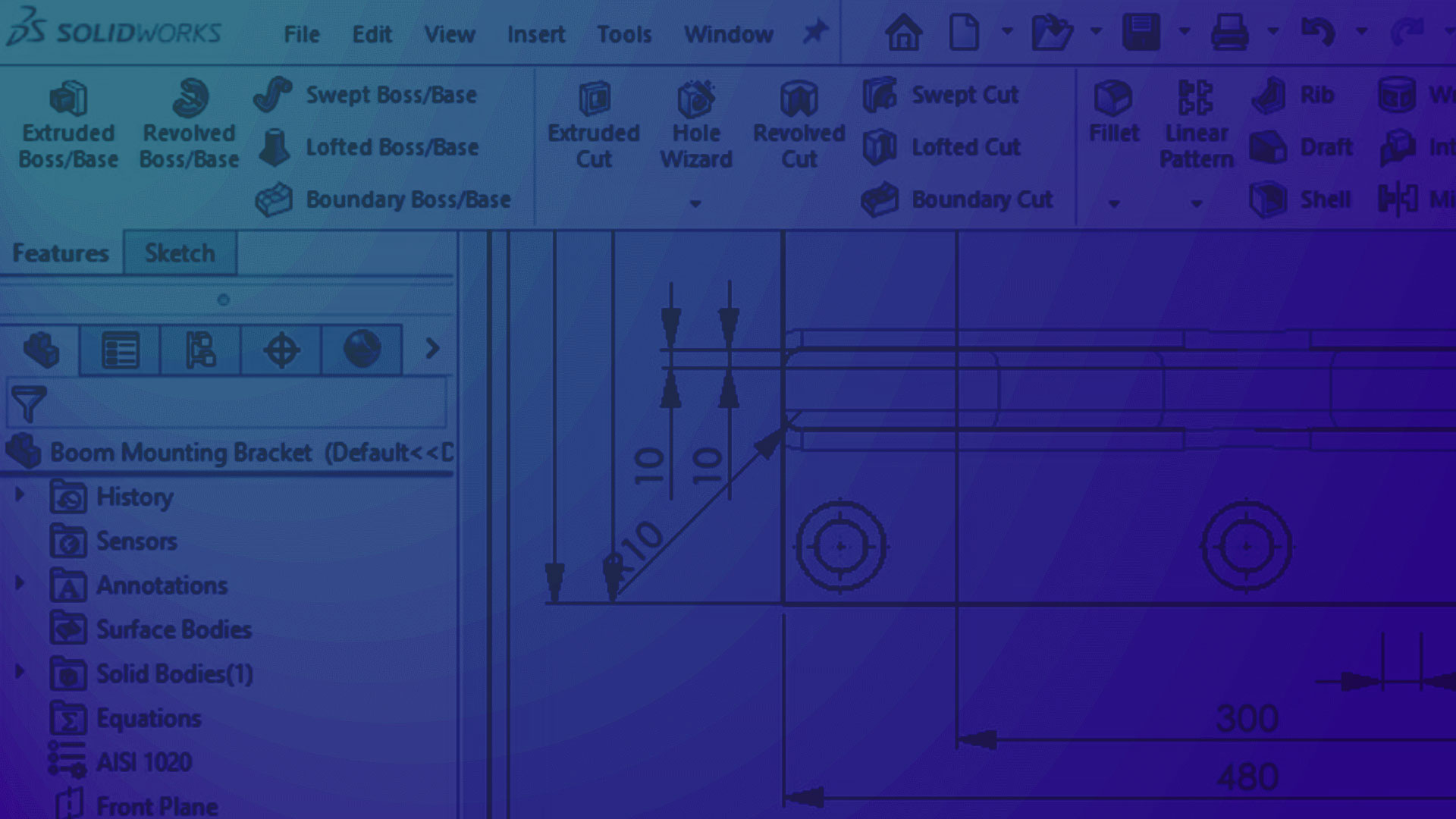
3DEXPERIENCE SOLIDWORKS
Turbocharge your SOLIDWORKS experience with cloud-based design, collaboration and data management capabilities.


-
3DEXPERIENCE SOLIDWORKS offers the same industry-leading desktop 3D CAD millions of users around the world know and love, but takes it to the next level with powerful browser-based CAD tools, all built from the ground-up with secure, convenient cloud data management at its core.
3DEXPERIENCE SOLIDWORKS is available in Standard, Professional and Premium packages, just like the desktop version.
Now you can take advantage of robust collaboration, built-in online data and product lifecycle management, intuitive conceptual design, industrial and sub-D modelling, photorealistic rendering, animation and linear static simulation capabilities.
Get a quick quote now!
The complete 3D design and project management solution
-

Design tools
-
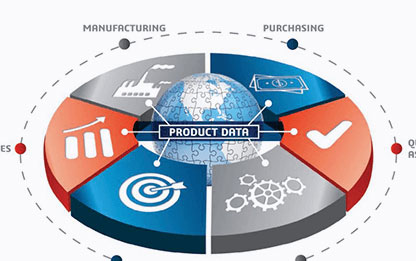
Cloud data management
-
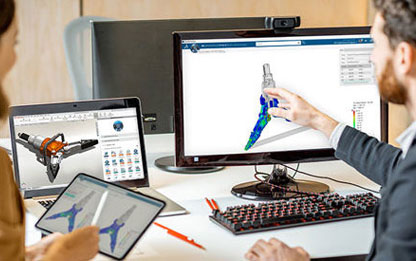
Virtual Testing
-
Rendering & Animations
Frequently Asked Questions
-
- How does the licensing work compared to the Desktop version?
See answer

Unlike Desktop SOLIDWORKS, where perpetual purchase options exist, 3DEXPERIENCE SOLIDWORKS operates on a Cloud-based licensing system rented quarterly or annually and accessed through the 3DEXPERIENCE platform. This necessitates an internet connection, although offline mode is available for up to 30 days. Named-user licensing facilitates access across various devices, including tablets and mobiles, eliminating the need for serial numbers.
-
- How do you upgrade 3DEXPERIENCE SOLIDWORKS?
See answer
3DEXPERIENCE SOLIDWORKS is classed as ‘Software-as-a-Service’ (SaaS) and, as such, updates automatically, eliminating scheduled downtime for upgrades. Users always have access to the latest version, ensuring no version disparities among collaborators.
-
- What is browser-based CAD?
See answer
Every version of 3DEXPERIENCE SOLIDWORKS includes the 3DCreator role, which enables easy-to-use parametric modelling from a web browser on PC and Mobile devices. The 3DSculptor role in 3DEXPERIENCE SOLIDWORKS Professional and Premium adds Subdivision modelling features for quickly sculpting organic shapes on the go.
-
- How does the User Interface (UI) compare to Desktop SOLIDWORKS?
See answer
While some tools are introduced and outdated features removed, the 3DEXPERIENCE SOLIDWORKS UI remains largely similar to Desktop SOLIDWORKS. Integration of new features such as lifecycle and data management into the Command Manager enhances convenience without major interface alterations.
-
- Do API, custom macros, and 3rd-party add-ins work with 3DEXPERIENCE SOLIDWORKS?
See answer
Currently, 3DEXPERIENCE SOLIDWORKS does not offer compatibility with custom API or add-ins like DriveWorks, SolidCAM and SWOOD. If you require the use of API or partner products, we suggest exploring the Collaborative Designer for SOLIDWORKS role. This connects Desktop SOLIDWORKS to the 3DEXPERIENCE Platform, enabling cloud capabilities alongside partner products. If these features are important to you, please get in touch with us to discuss your requirements.
Get your quote now!
👉Official UK & Ireland SOLIDWORKS Reseller since 2002
👉Trusted partner to over 25,000 businesses worldwide
👉Award winning support team
👉Telephone & remote assistance
👉Official SOLIDWORKS training courses
👉Unparalleled industry knowledge
👉Software price match promise
👉Exclusive FREE software
👉Innovation funding help (R&D Tax Credits, Grants, Loans & more)…